
August 19, 2024
How to stay safe online
As information technology advances, so does the expansion of reliance on computer systems and the internet, that have come with an increase in misuse and threats.
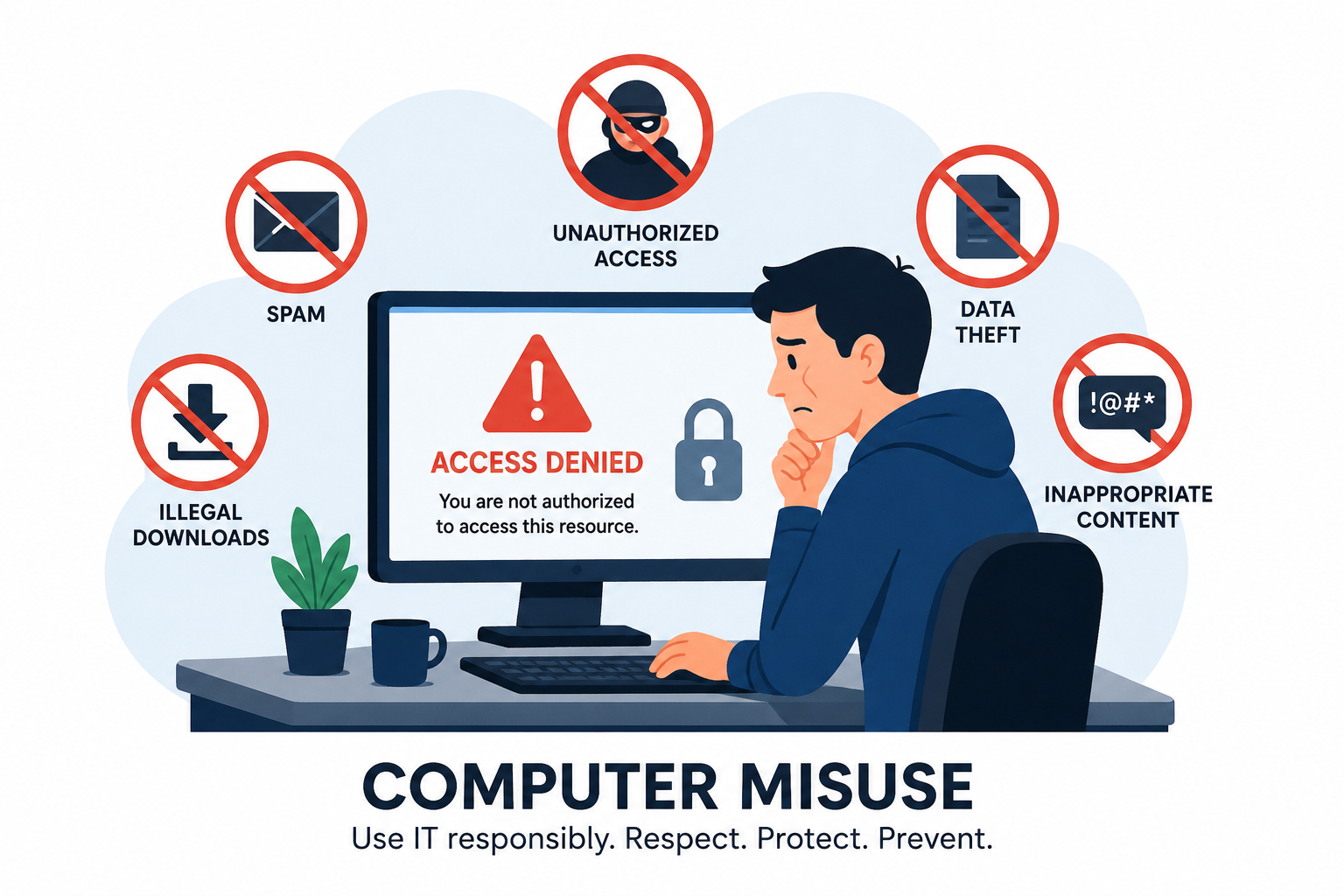
As information technology advances, so does the expansion of reliance on computer systems and the internet, and now with the great discovery of Internet of Things (IoT), data and information security have become a serious concern.
The Internet stands for International Network of Computers, implying an interconnection of billions of internet devices across the world. The number of these devices continues to grow each day, especially in the area of smartphones. We should not forget that these systems are run by humans because even the automated systems were programmed by humans.
Behind devices connected to the internet are humans with different intentions, or robots programmed for different purposes.
It’s hard to go a few days without scanning the news without hearing or reading about a major data breach at companies or organisations, potentially exposing millions of customers’ or employees’ personal data to criminals. Here are a few tips to ensure your personal information doesn’t end up in the wrong hands.
Use strong passwords
When signing up for accounts online, use strong passwords that are a combination of not only letters and numbers but also a series of lower-case letters, upper-case letters, numbers, and symbols, and ensure that you change them periodically at least once every three months. Password cracking programs can take about 200 days to crack a strong password, and if it is changed within three months, the cracker will need more than 200 days, so they will most likely back off. Avoid using phone numbers, birthdays, or names of children, as these are the obvious samples they start with while trying to break into your accounts, and will make the cracking a cake walk.
Avoid using one password everywhere
Some people have a tendency of using one password across all online platforms or accounts. This is because the chances of forgetting a password in this case are minimal. But cyber criminals know about this human weakness and tend to exploit it for their benefit. In this case, if a cyber criminal lands on one password, it will expose all your other accounts. Use a different password on each of the accounts and use a password manager app to help you manage and remember your passwords.
Avoid sharing everything
Among your online friends, you may have that one who posts too many intimate details of their life online. Not only can this be annoying to some, but it can also put the sender’s personal information at risk. Have you ever wondered who sees what you post, how long they keep it and what they do with it? I have a friend whose home was robbed just after he shared images and videos showing the entire family out on a beach celebrating one of their children’s birthday party. In addition, such shared information can be used by cyber criminals to initiate a social engineering attack on a company or at a personal level. Start by checking your privacy settings so you are aware of who’s seeing your posts, and be cautious when posting your location, hometown, birthday, or other personal details and details about your children.
Use free WiFi with caution
There are free WiFi networks out there – Kampala city has one, and some other places. I know of one other hotspot in Kyanyaanya Buloba along Mityana road. But be very careful while using these networks. Most free public Wi-Fi networks have very few security measures in place, which means others using the same network could easily access your activities. If possible avoid them completely and wait until you’re on a secure, password-protected network.
Shared links and forward images
Cybercriminals are deceptive and sneaky, and will often compose their phishing scams to look like legitimate communications from a bank, telecommunication company, utility companies (like UMEME and NWSC), or other corporate entities. A scam is a dishonest scheme to get money or information in a fraudulent manner. A phishing scam is only about collecting information, which can later be used to arrange for a serious attack or sold to third-party companies for money.
This scam link appears to come from umeme.co.ug, yet the clickable link is towersalute.top There is no clearly defined shape of a phishing scam because scammers conditionally keep changing the tactics they use, but there is a way you may differentiate a scam from a legitimate communication.
Certain things like spelling errors or a different email address, a different website address, website addresses that start with “http://” instead of “https://”. Some try to show you that when you do what they are luring you into doing, you will be the most beneficial, and that it’s for your own good, others are forcing you to share them with groups and threaten you to face repercussions in case you don’t do what they say. Those can be typical clues that the message, image, or link is not legitimate. Sometimes you may even fail to see any of those clues, but when you use your common sense and think twice before you act, you may save yourself and others. For example, who said that Jesus will forgive your sins after sending his message to 10 WhatsApp groups?
Be careful about emailed links and attachments
In the same way as the previous point, cybercriminals use emails to send phishing scams to their prey. In most cases, these emails are filtered by your email server and sent to your spam or junk folder to show you that those emails are suspected of being malicious or not legitimate. It would not be a good idea to;
1. Click a link that you are not sure of where it will take you after clicking or what it will do after clicking.
2. Download attachments, especially from unsolicited emails from unknown people. Some of these attachments contain malware that will run on your device automatically after opening the attachment.
If you were not expecting it, even if it appears to come from a known, famous, or popular company, don’t open it.
Check to see if the website is secure
Some websites have forms where you are required to fill in some information for registration or something else. Whatever it is, if you agree to fill and submit the form, before entering personal information into that form, take a look at the top of your browser. If there is a padlock symbol or the URL begins with “https://,” that means the site is secure. There are a few other ways to determine if the site is trustworthy, such as a website privacy policy or contact information if you have doubts ascertain that the phone contacts and physical address are correct. In case you have no prior information about those contacts, take a security stride to find out from other sources, it is worth doing compared to giving away your information to be sold to the highest bidder or to be used against you in turn.
Consider additional protection
Install anti-virus software, anti-spyware software, and enable the firewall. For additional protection. At Zero&One IT Solutions, we have the expertise to evaluate your cyber vulnerabilities, help sensitise individuals and staff about cyber security, and ensure your company or family has the resources you need to recover from data loss, too.